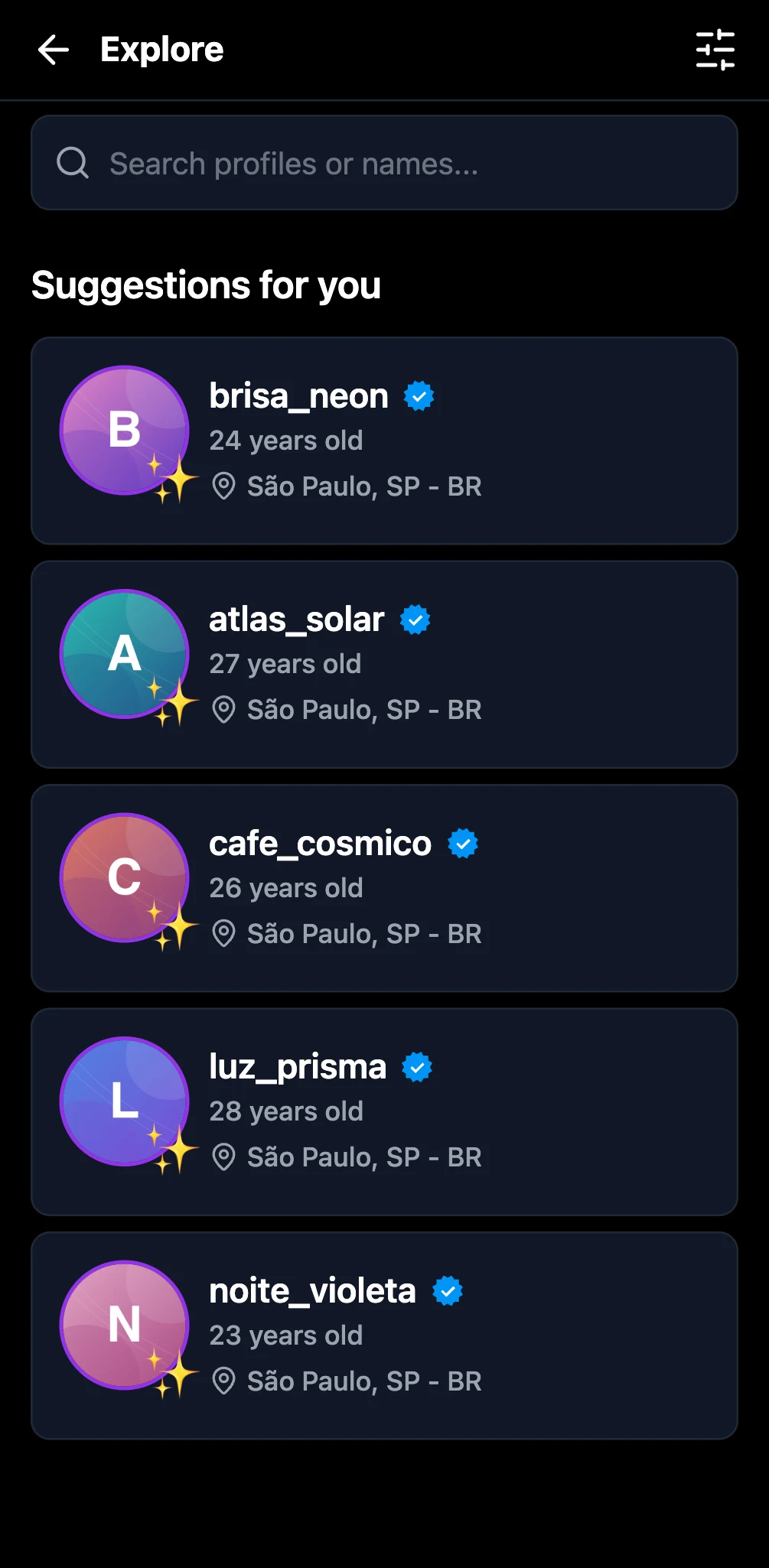
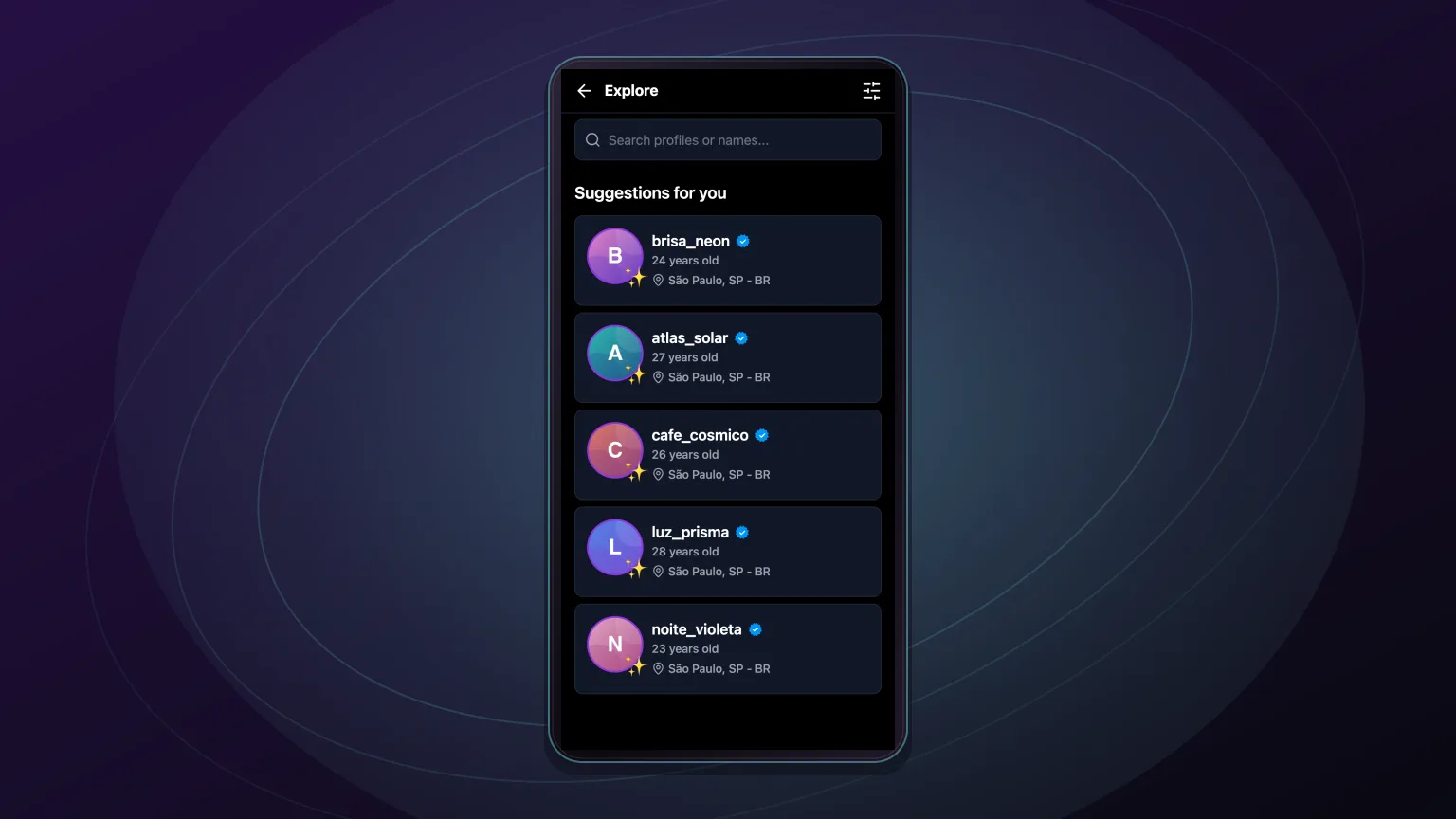
Explore helps you look up people you already know by username and discover other club profiles with filters. Open it to search inside INOFF using a handle or the available profile criteria.
How do I search by username?
Open Explore and type at least three characters from the person’s handle. If you know the whole username, enter it for a more specific result.
Search shows club profiles that are public within the club and visible in search. If you don’t see someone, double-check the handle and ask them about their search visibility.
How do I refine my search with filters?
Open Filters, choose from the available criteria, and apply them. If the results aren’t useful, remove a filter or try a more specific username. Open an interesting profile to learn about the person and decide whether to follow or chat, where those options are available.