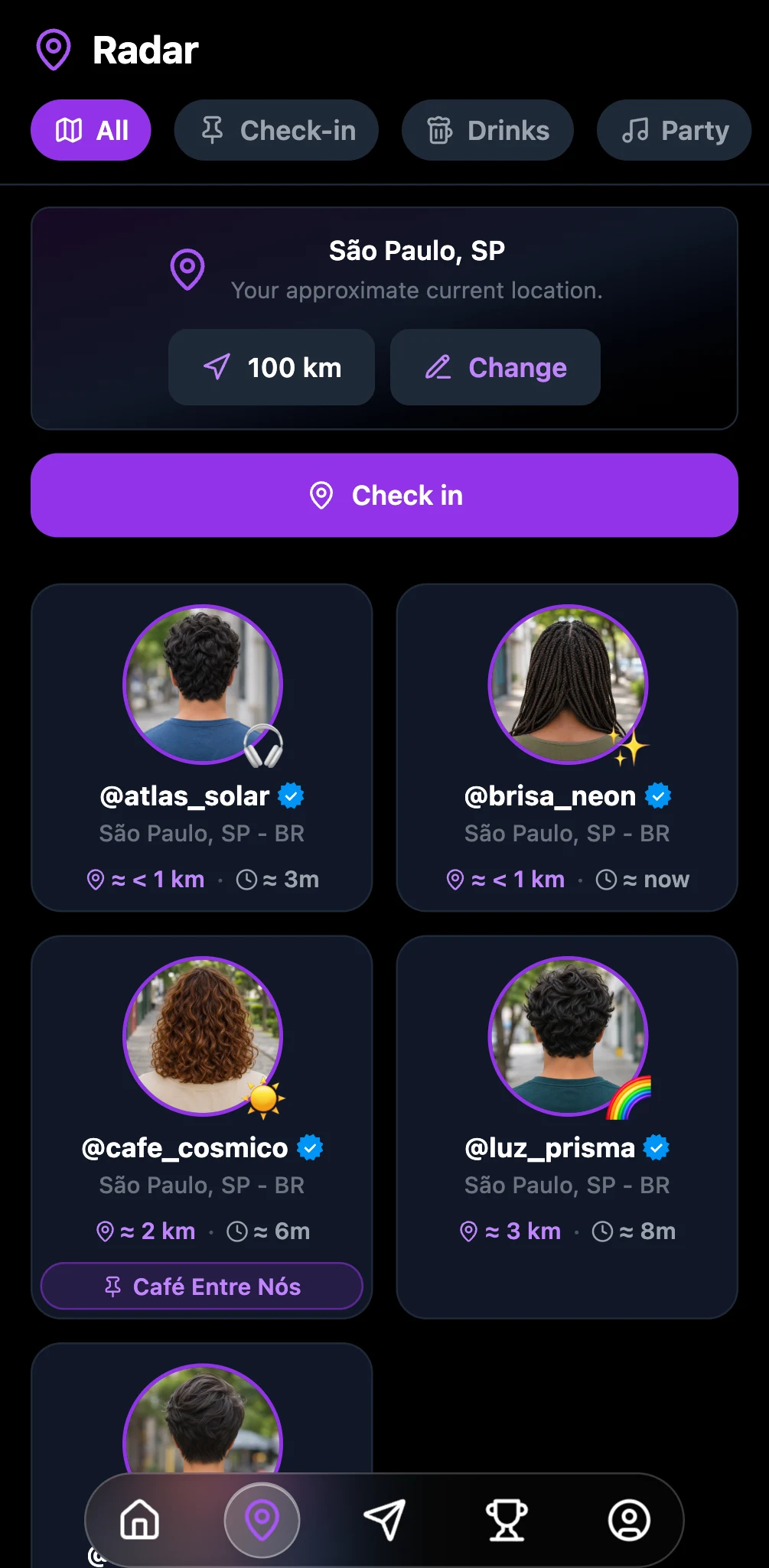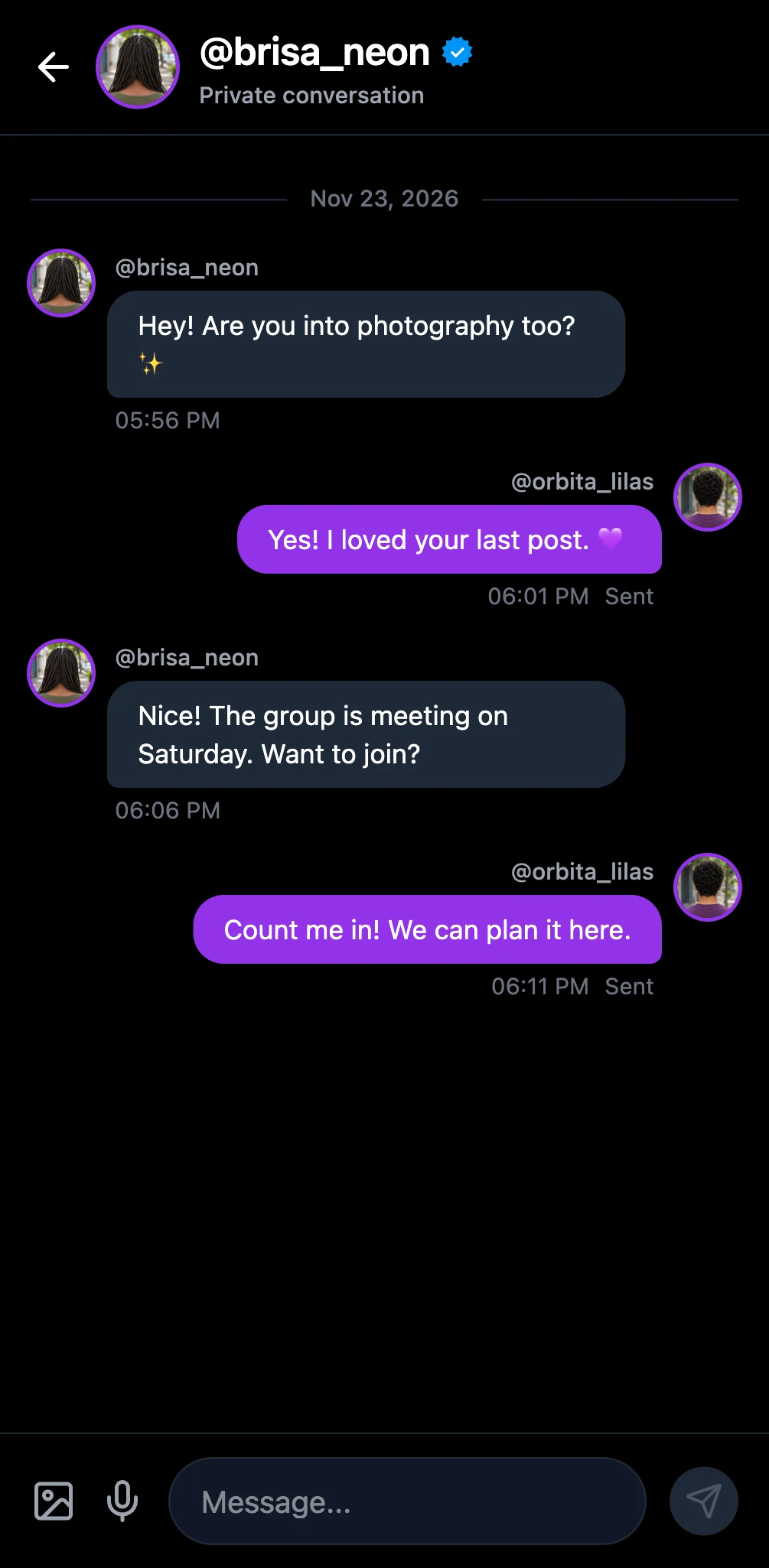
Step by step
INOFF screenshot with demonstration data
Open Events
Browse upcoming gatherings. In this example, tap Vibes to see the details.
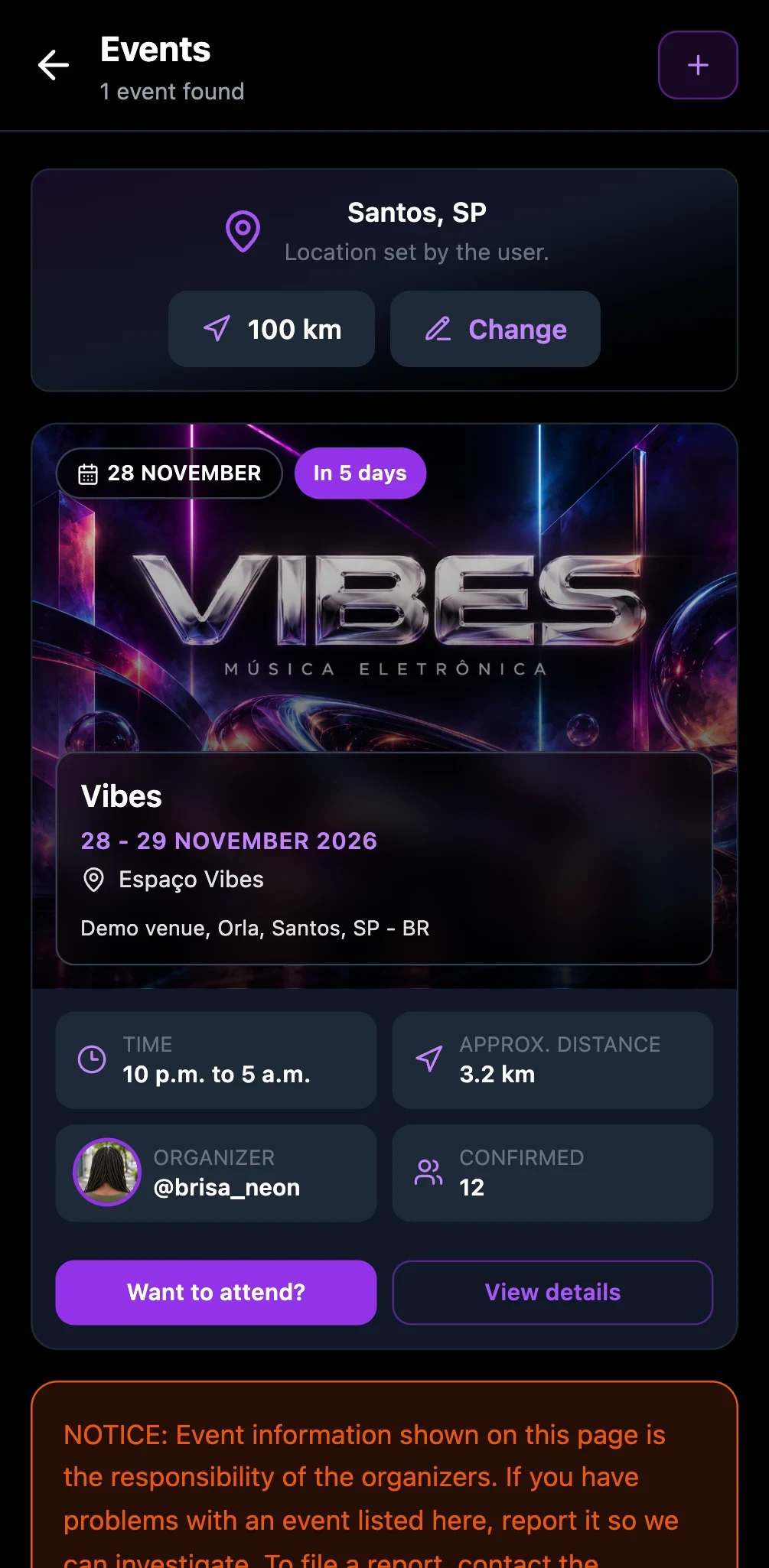 Open full-size screenshot
Check the date and location
Check the date, time, venue, and organizer. Tap Want to attend? to RSVP.
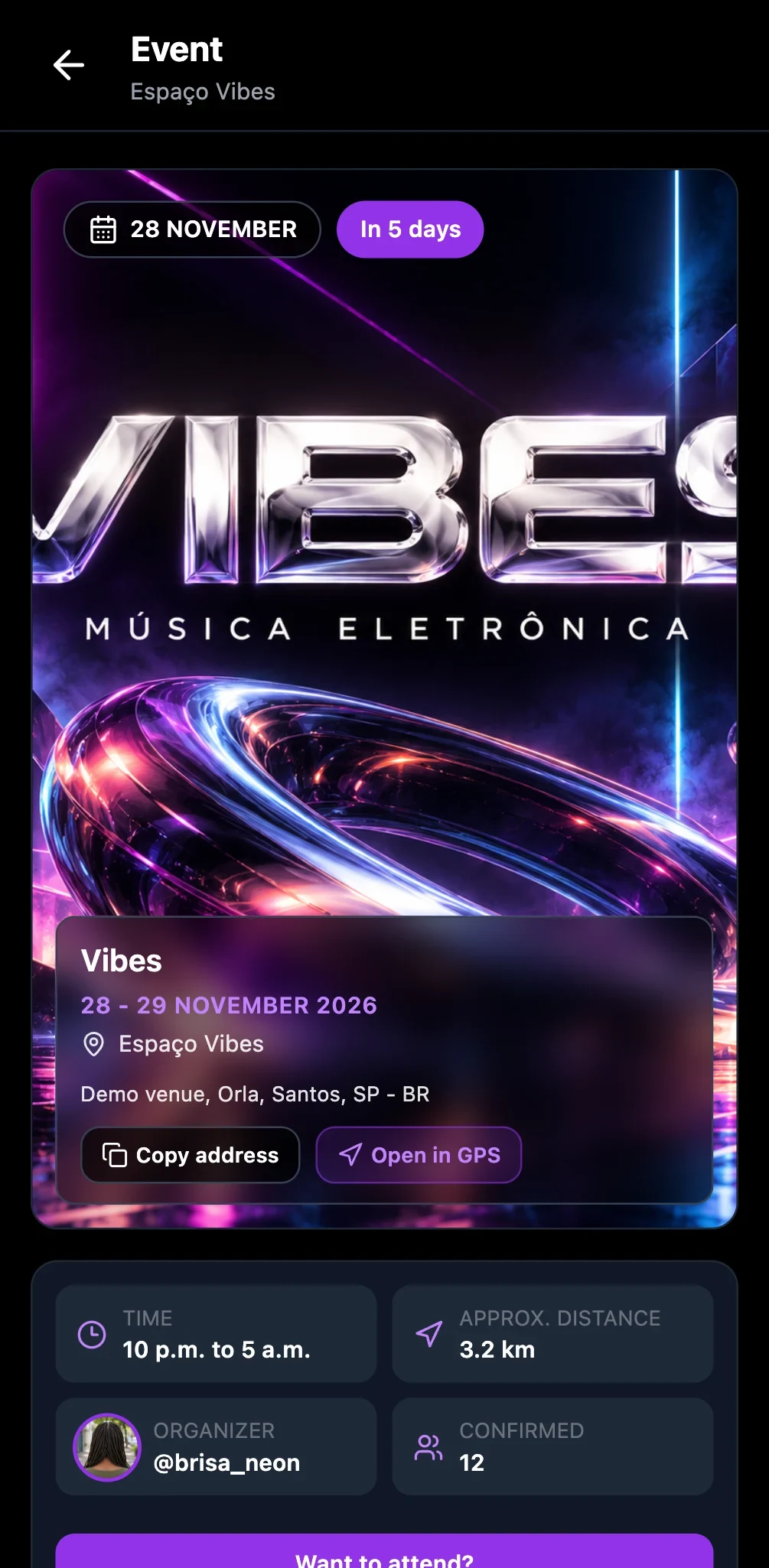 Open full-size screenshot
Check your RSVP
The event now shows Confirmed. If your plans change, use the cancel option on the same screen.
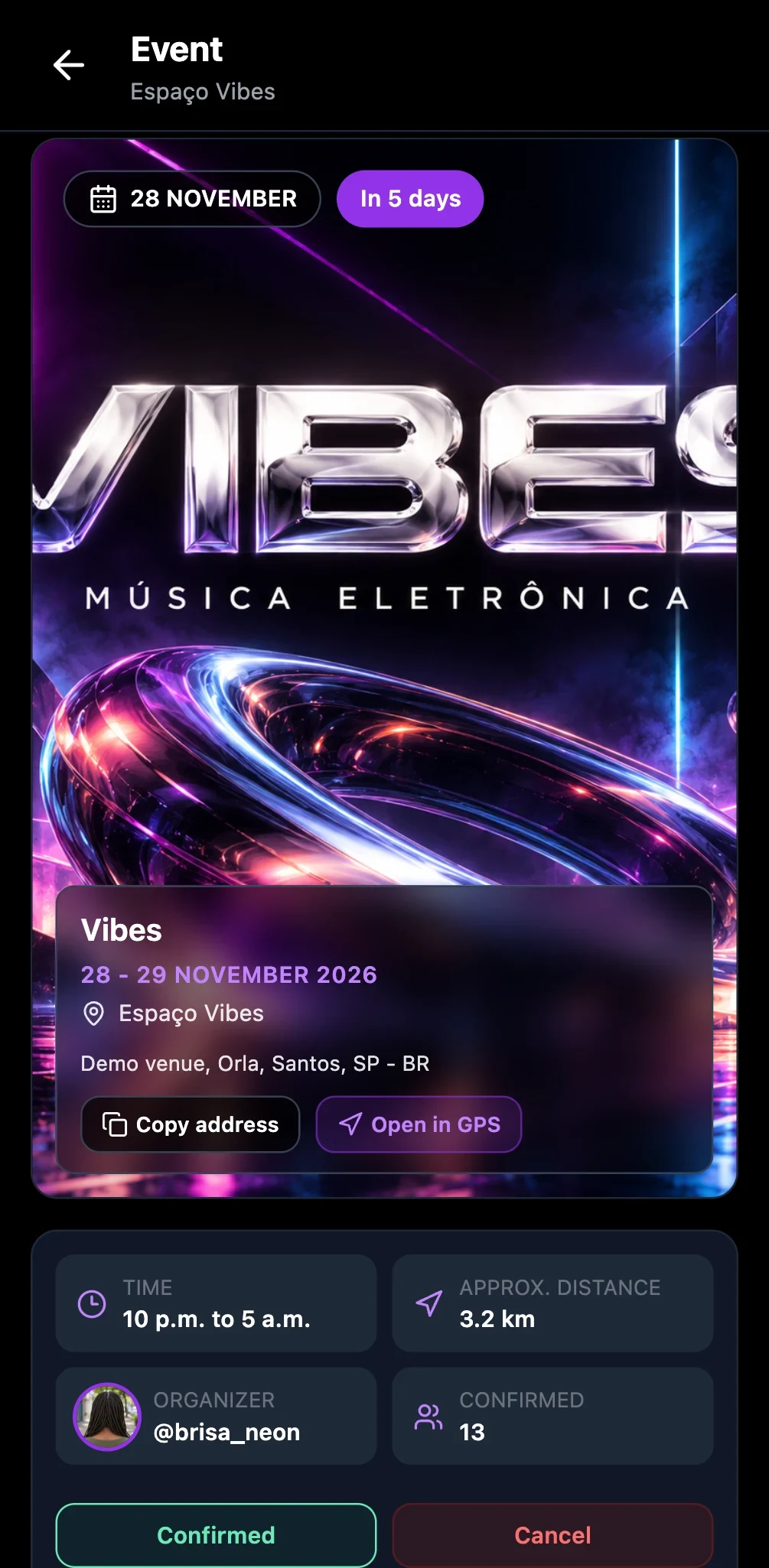 Open full-size screenshot
Events brings together gatherings posted by certified INOFF members. If you’re looking for LGBTQIAPN+ events near you, set a search location and distance to see what’s coming up in the area.
How do I find LGBTQIAPN+ events near me?
Open Events and adjust your location and search distance. Use your current location if you’ve given permission, or enter an address to search another area. Open an event to see the date, time, address, description, and confirmed attendees.
The organizer supplies the event information. Read the details and check with the organizer about price, tickets, entry requirements, or accessibility.
How do I RSVP or share an event?
Confirm your attendance on the event page. You can cancel your RSVP there if your plans change.
Certified members can list an event. Open the event creation option, read the rules, and fill in the details and upload a flyer.