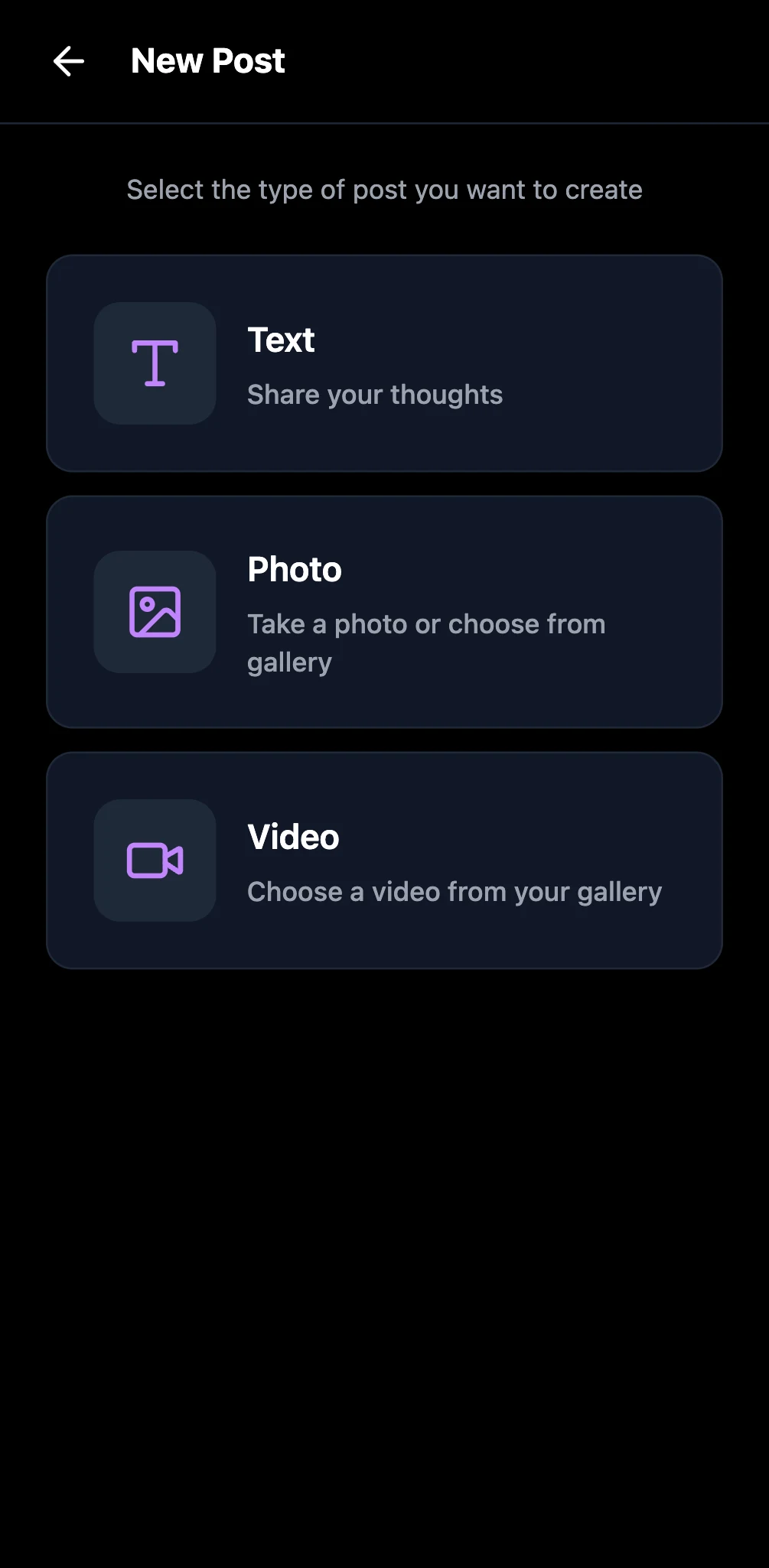

A short update, a photo from a trip, or a video of something you made can all become INOFF posts. Choose the format, decide who can see it, and change the audience after posting if you need to.
How do I post text, photos, or videos?
Open the post composer and choose a format. Write your text or select your media, adjust the framing in the preview, and add a description if you want. Check the audience before posting. Photos and videos may take time to process.
Who can see my post on INOFF?
The options are Public, Followers, Real friends, and Only me. Public means members with access to the platform. Followers includes your active followers and real friends. Real friends limits the post to your real-life connections, and Only me keeps it visible to you.
How do I change a post's visibility?
Open your post's menu, choose the visibility option, and save the audience you want. Photos and videos become ineligible for rankings when you restrict their visibility. Ask anyone pictured whether they are comfortable with you sharing the media.